Turn Black and White Photos to Color — Free AI Photo Colorizer
Turn black and white photos to color online with PixRestorer. Our free AI photo colorizer brings scanned family pictures, portraits, and vintage prints back to life with natural color in about 30 seconds.
Upload Your Photo
Drag and drop or click to browse (max 10 photos)
JPG, PNG, WebP • Max 15MB
Protected by NSFW content filter (NSFW.js)
How to Turn Black and White Photos to Color
Four simple steps to turn black and white photos to color online. Upload your photo and our AI photo colorizer handles the rest.
Upload Your Photo
Drag and drop or select your black and white photo. Whether you want to turn black and white photos to color, this is where you start.
AI Colorization
Our AI photo colorizer analyzes your image and adds natural, historically accurate colors in seconds.
Download & Share
Get your colorized photo in high resolution, ready to download and share with family.
Credits Never Expire
Use your remaining credits anytime—no subscription needed.
AI Photo Colorizer for Black and White Photos
Our AI photo colorizer is built for vintage portraits, family snapshots, and scanned prints. Simply upload and let it work.
Natural color for family portraits
Our AI photo colorizer brings skin tones, clothing, and background details back into black and white family photos without manual masking — just upload and let the AI turn black and white to color naturally.
Works from scanned prints and old pictures
Upload scanner captures or clean phone photos of prints when you want to colorize black and white pictures from a family archive. Works with any source photo you want to turn to color.
Repair, then upscale if needed
Use the same workflow to recover faded detail, then apply HD upscale after colorizing if you want a larger final file.
Need to fix scratches, fading, or blur first? Restore your old photos before adding color for the best results.
Real Example
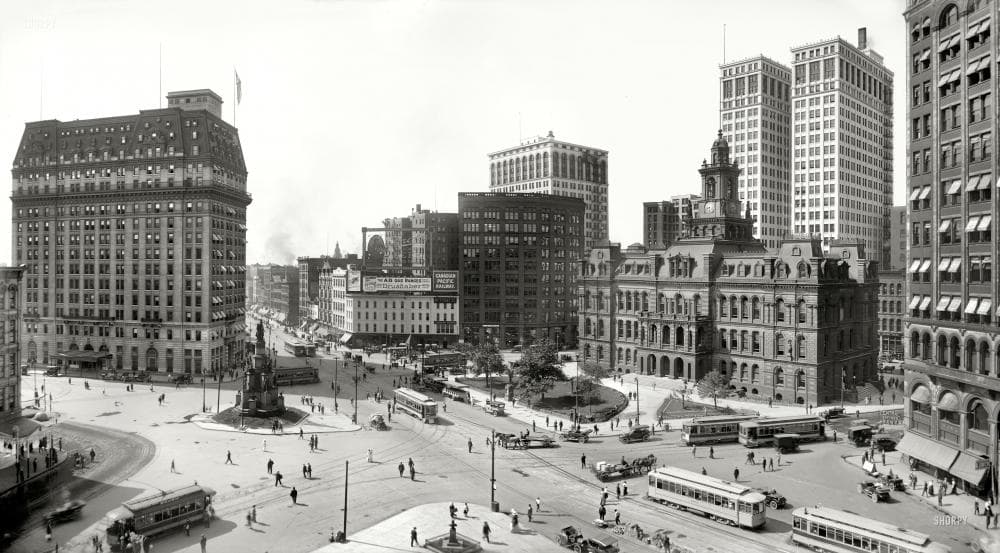
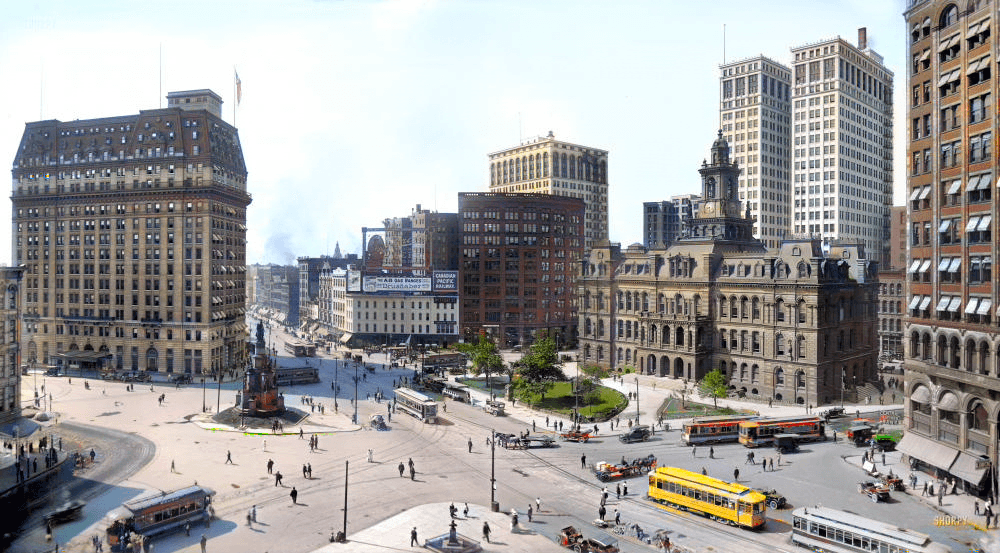
Black and White to Color — See the Difference
This is the kind of result you want: a black and white picture that keeps its original mood, but gains believable skin tone, street detail, and background contrast.
If you want more proof before spending credits, browse the full before-and-after examples page.
Frequently Asked Questions
Questions about colorizing black and white photos? Start here.
What kinds of black and white photos work best?
Should I scan the print before I colorize it?
Can PixRestorer repair damage while adding color?
How does the AI turn black and white photos to color?
How many credits does it take to colorize black and white pictures?
Is there a limit on how many photos I can colorize?
Turn Your Black and White Photos to Color Today
Ready to try our free AI photo colorizer? Get 2 free credits when you sign up — no credit card required. Upload your first black and white photo and turn it to color in about 30 seconds.